An ATS Friendly Resume, Step by Step
Build an ATS friendly resume with plain formatting and the job post's own keywords, then add a cover letter that matches both.

Six rules for an ATS friendly resume
Applicant tracking systems read your file as plain text. Anything that confuses that reading hides your skills from the recruiter's search.
One column only
Parsers read left to right, top to bottom. Two columns can merge into one jumbled line, so keep a single column for online applications.
Standard headings
Use Experience, Education and Skills. Creative labels like My Journey are easy for a human to enjoy and easy for a parser to miss.
Common fonts
Arial, Calibri and Times New Roman are safe. Keep body text around 10 to 12 points and skip decorative typefaces.
Contact info in the body
Some systems ignore headers and footers. Put your name, email, phone and city at the top of the page, not in the header area.
No tables or graphics
Skill bars, icons, photos and text boxes carry no readable words. Write your skills as plain text, comma separated.
The job post's keywords
Mirror the exact skills and job title from the posting. If the post says Salesforce, write Salesforce, not CRM software.
Plain layout, readable by any parser
Fancy layouts photograph well and parse badly. The safest resume has one column, clear section headings, and bullets made with standard characters. Save it as a .docx or as a PDF with selectable text, and test it: open the file, press select all, and paste into a plain text editor. If the order is scrambled or words are missing, a parser will see the same mess.
- Single column, 10 to 12 point standard font
- Dates in one format, such as Mar 2024 to Present
- Selectable text, never a scanned image
- Paste-test the file in a plain text editor before you send
Tailor it to each job in 15 minutes
A clean file gets read. The right words get found. Do this for every role you apply to.
-
1
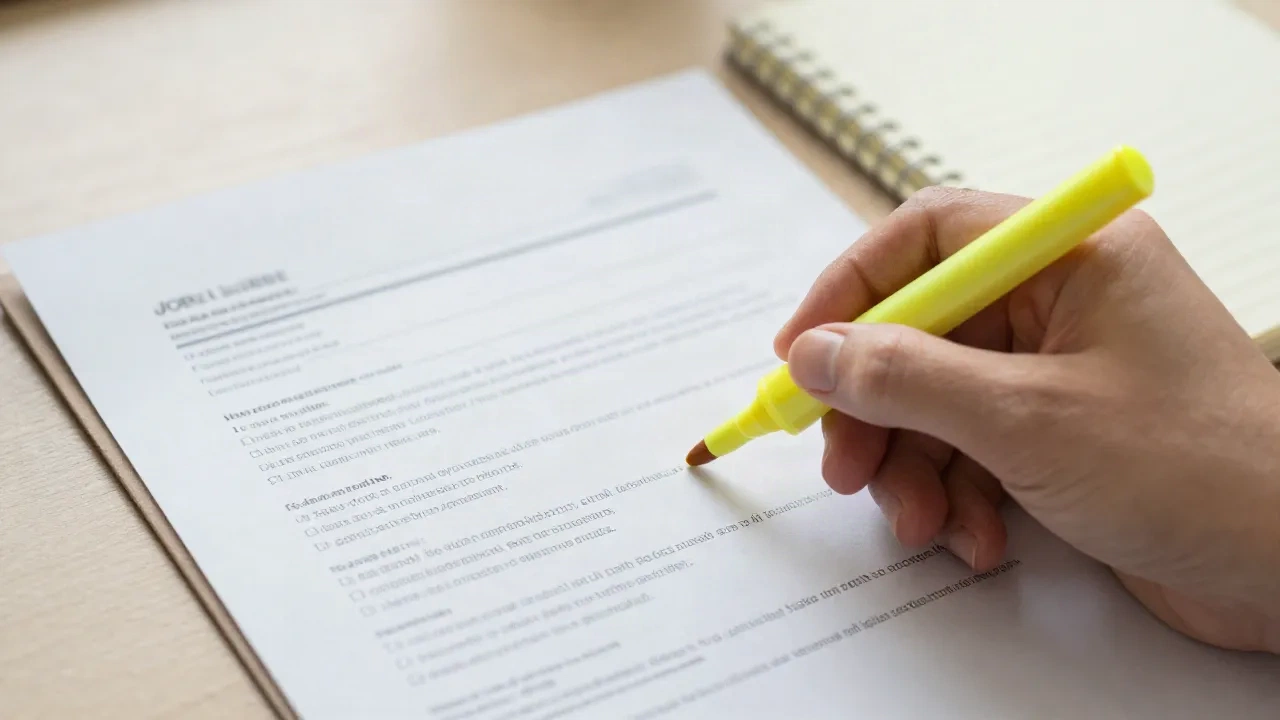
Highlight the repeated terms
Read the job post and mark the skills, tools and titles that appear more than once. Those carry the most weight in a recruiter's search.
-
2
Mirror them where they are true
Put each matching term in your summary, your skills list and one experience bullet. Use the employer's phrasing, and add the full name next to any acronym once.
-
3
Prove it with a result
Keywords get you found. Numbers get you shortlisted. Attach a figure to the bullet, such as cut onboarding time from 9 days to 5.
-
4
Match the cover letter
Reuse the same top keywords in your cover letter and check the match score before you submit. Same words in both documents, same story.
Write the words the recruiter will search for
Recruiters often search their applicant pool the way you search the web: a job title, two or three skills, maybe a tool name. If your resume says the same thing in different words, you do not come up. Match the posting's language for the skills you really have, and leave out the ones you do not. Never paste a hidden block of keywords in white text. Systems and humans both treat that as a red flag.
- Use the exact job title from the post if it fits your role
- Spell out acronyms once, then use the short form
- Put key skills in context, not only in a list
- Never fake a skill to match a keyword
What helps and what hurts in a parser
Common choices, compared on how reliably a system reads them.
| Element | ATS-safe choice | Risky choice |
|---|---|---|
| Layout | One column | Two columns, sidebars |
| Headings | Experience, Education, Skills | Creative or icon-only labels |
| Contact details | In the page body | In the header or footer |
| Skills | Plain text list | Rating bars or icons |
| File | Docx or text-based PDF | Scanned image, PDF of a picture |
| Bullets | Standard round bullets | Custom symbols or emoji |
Your resume is half the application
A resume that parses well still needs a cover letter that speaks the same language. Write Me A Cover Letter reads the job post URL, matches the company's tone and writes a cover letter plus a LinkedIn note, a follow-up, a thank-you and interview prep. It runs an ATS keyword scan on the letter and shows the match score before you send. It does not build or scan resumes, so use it for the part of the application that sits next to your resume.
- Paste a job URL and get a full bundle
- See your ATS match score and the keywords you hit
- Works in 13 languages
- First bundle is free, no credit card

Start free, pay only if it works for you
Prices for the cover letter bundle, as listed on the pricing page at the time of writing. Check the site for current plans.
Free trial
See it on a real job post
- 1 full application bundle
- No credit card required
- Company tone analysis
- ATS match score
Applicant
For an active job search
- 5 full bundles per month
- All 5 output formats
- ATS keyword scan and score
- Interview prep in STAR format
One-shot
One bundle, no subscription
- 1 full application bundle
- All 5 output formats
- ATS keyword scan
- No subscription required
ATS friendly resume questions
What makes a resume ATS-friendly?
Is a PDF or a Word file safer for ATS?
Do ATS reject resumes automatically?
Can I use a two-column resume template?
How many keywords should I copy from the job description?
Does this tool check or rewrite my resume?
Is it free to try?
Send a letter that matches your resume
Paste a job URL and get a cover letter in the company's tone, with an ATS match score. Your first bundle is free.